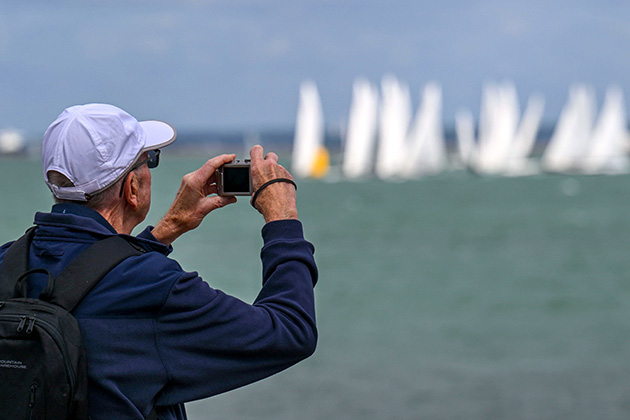
Cowes Week may be 200 years old, but it has always embraced innovation and is now one of the most technologically advanced regattas in the world. At the centre of it all is the North Sails Cowes Week App. Whether you're racing, supporting a crew or simply soaking up the unique atmosphere ashore, the North Sails Cowes Week App is the easiest way to stay connected throughout the week.
Competitors
If you're competing, the app is an indispensable part of racing and is relied upon by virtually every boat on the water. It delivers official announcements, daily schedules, course information, results and standings directly to every member of the crew, ensuring everyone stays informed as plans evolve throughout the day.
Whether it's the latest start times, a postponement, changes to racing or the daily Musto Morning Briefing live from the Royal Yacht Squadron, the latest information is always just a tap away. From the latest news and weather forecasts to race schedules, class information, entry lists, results, maps and the full programme of shoreside events, you'll find everything you need in one place.

Spectators
For Spectators the app provides an essential guide to the on-shore activities, with interactive maps and information on all of the shoreside events and entertainment plus news and information about the regatta racing.
Note: Whilst the Cowes Week app is updated to reflect known changes in schedules, visitors are advised to check with venue web sites for details of event timings. Cowes Week Limited does not take responsibility for any inaccuracies in the event details in the app, regatta programme or web site.
Where do I get the App?
The App for each year's Regatta 'goes live' in the weeks preceding the Regatta. Simply visit the App Store (iphone) or Google Play (android) and search for Cowes Week or use one of these links.
To use the app as a competitor, each member of the crew will need the boat's unique registration code which can be obtained by visiting the Update your Entry page on this website.
Competitors: How does the tracking work?
If you're a competitor, each day the app will start tracking your position at around 10am and finish tracking when all boats are off the racetrack. To maintain battery life, the tracking is not continuous; instead it will gather your position roughly every five minutes and send it to our race management systems so that we can track the progress of your class and make more informed decisions about important aspects such as shortening your course in light airs.
The data is not made public, so you have no need to worry that other competitors can view your track.
The whole operation is designed to be trouble-free and largely invisible. Just bear in mind the following points:
- Try to keep the device somewhere where it can "see" the sky for good satellite reception. A waterproof pocket would be great, or somewhere else above the waterline. On a bigger boat, try not to leave the device down below, as it will likely use more battery power as it struggles to find satellites and send positions.
- Make sure you charge your phone each night. Running the app will use more power than normal and you should not expect your phone to go more than a day without a recharge.
Important notes for Android phone users
Recent Android phones have new active battery management features that are designed to extend battery life, but in their default mode, will prevent the app from working properly.
To switch this feature off for the app, complete the following steps:
Note that the exact wording and menu structures are not consistent across all makes and models of Android phone. You may have to search a bit!
- Open your device's Settings, and then open 'Network & Internet' or 'Mobile Network' or 'Connections'.
- Then tap 'Data usage' and then 'Data saver'. Tap 'Unrestricted' data access, locate the North Sails Cowes Week app and turn it on.
- Re-open your device's Settings and tap 'Apps and Notifications'.
- Locate the North Sails Cowes Week app. Tap it to open settings. Tap 'Battery setting' and then 'Battery Optimisation'. Tap thetop bar and select 'All Apps'. Locate the North Sails Cowes Week app and select 'Don't optimise'.